Tiny Aquarium: Social Fishkeeping Cheat Engine Guide
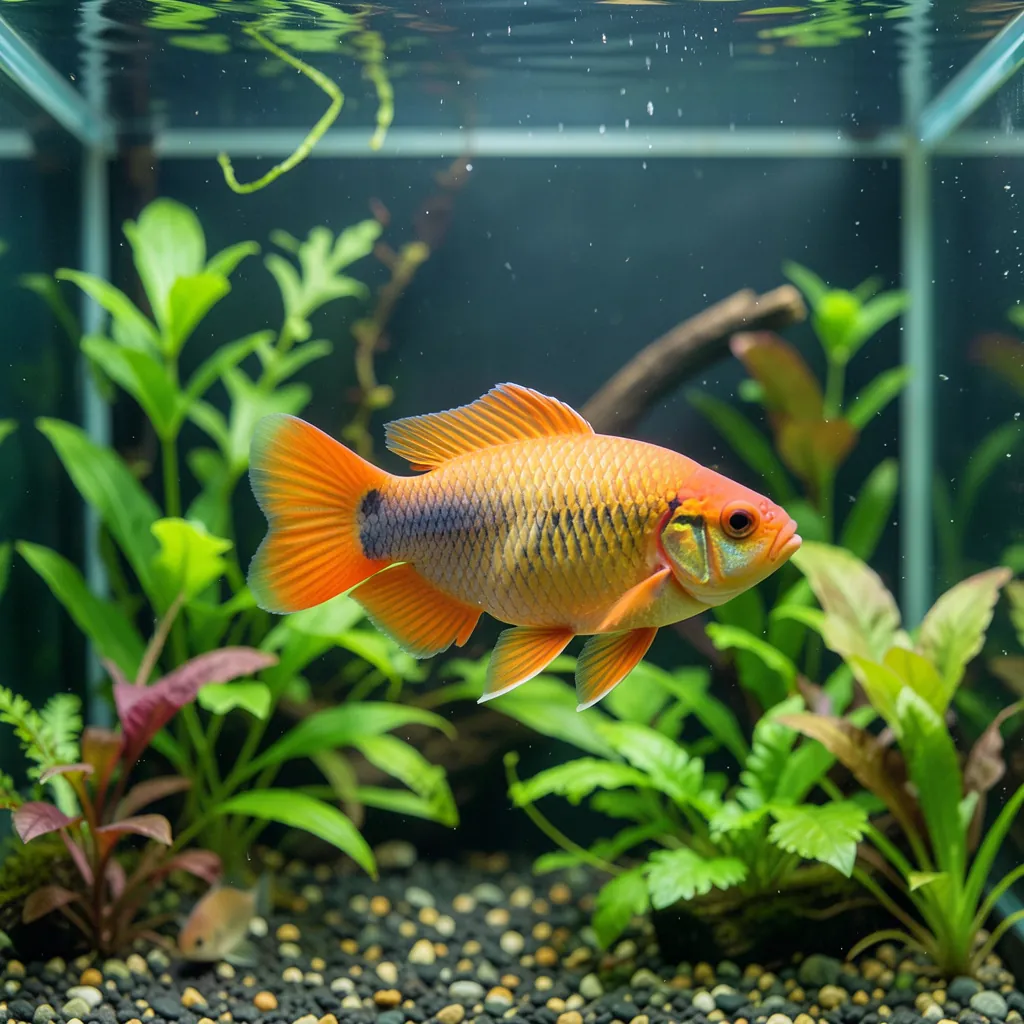
Tiny Aquarium: Social Fishkeeping Cheat Engine Guide
Contents
- Overview
- Is It Right for You?
- Tank Setup
- Water Parameters
- Diet and Feeding
- Tank Mates
- 🩺 Common Health Issues
- 💡 Care Tips
- ❓ FAQ
🐠 Tiny Aquarium: Social Fishkeeping is a social idle simulator where players hatch, sell fish, decorate tanks, and visit friends’ aquariums. Cheat Engine can be used to enhance gameplay by modifying in-game values like coins, tank cleanliness, and inventory items.
Overview
Tiny Aquarium: Social Fishkeeping, developed by Lunheim Studios and published by Future Friends Games, is a casual simulation game. Players manage their aquarium, breed fish, decorate tanks, and interact with friends. Cheat Engine tables allow players to modify game values for easier progression.
Is It Right for You?
Using Cheat Engine can make gameplay more enjoyable by reducing grind, but it may also diminish the sense of achievement. Ensure compatibility with your game version before using cheats.
Tank Setup
- Install Cheat Engine: Download and install Cheat Engine version 7.0 or higher.
- Download Cheat Table: Obtain the cheat table compatible with your game version.
- Open Cheat Engine: Launch Cheat Engine and load the game process.
- Load Cheat Table: Open the .CT file in Cheat Engine.
- Modify Values: Adjust values like coins, tank cleanliness, and inventory items as needed.
Water Parameters
| Parameter | Ideal Range |
|---|---|
| Coins | Unlimited |
| Tank Cleanliness | 100% |
| Event Coins | Unlimited |
| Experience Points | Unlimited |
Diet and Feeding
Cheat Engine does not directly modify fish feeding but can indirectly affect fish health by maintaining optimal tank conditions.
Tank Mates
Cheat Engine does not influence fish compatibility but ensures ample resources for maintaining a healthy tank environment.
🩺 Common Health Issues
| Symptom | Likely Cause | Treatment |
|---|---|---|
| Dirty Tank | Low Tank Cleanliness | Modify cleanliness |
| Low Coins | Insufficient Income | Modify coin value |
| Poor Fish Growth | Low Exp Points | Modify exp points |
💡 Care Tips
- Verify Game Version: Ensure the cheat table matches your game version.
- Backup Saves: Always back up save files before using cheats.
- Use Decryption Key: To manually edit save files, use the decryption key:
o5OX9k1zhW0n5qzd. - Avoid Overuse: Excessive cheating can reduce game enjoyment.
- Community Support: Seek help from cheat forums if issues arise.
❓ FAQ
Q: Can I use Cheat Engine on the Steam version? A: Yes, but ensure the cheat table matches the Steam game version.
Q: How do I modify IVs for fish? A: Use the ES3 save editor with the decryption key. Set IVs to 1 for 100 in-game.
Q: Does Cheat Engine affect multiplayer? A: No, cheats are for single-player use only.
Q: Are there risks to using Cheat Engine? A: Cheats can cause game instability or crashes if used incorrectly.
Q: How do I update the Cheat Table for new versions? A: Download updated tables from trusted sources like FearLess Cheat Engine forums.
Q: Can I revert changes made with Cheat Engine? A: Yes, reload a previous save or undo changes in the cheat table.
Related guides
- Aquarium Examples: Biotopes and Dutch-Style Tanks for Different Skill Levels
- Aquarium Filter Types: A Complete Guide
- aquarium heater buying guide
- Aquarium Heater Guide: Choosing the Right Heater for Your Tank
- Aquarium Lighting Guide: Everything You Need to Know